Are these Instagram Reels sound effects really free?+
Yes. Every one of the 50 sound effects is free and royalty-free, with no attribution required. Download any sound individually with no sign-up, or grab the whole pack as a single .zip. They're genuinely useful, not a crippled teaser.
Can I use them on Instagram Reels and for commercial content?+
Yes. Our sound effects are royalty-free and cleared for both personal and commercial use, including branded reels, client work and monetised accounts. You can use them across Instagram Reels, Stories and other platforms without paying per use. The only rule: you cannot resell or redistribute the raw sound files themselves as a standalone product.
Do I need to credit sfxreels?+
No attribution is required. You're welcome to mention us if you'd like, but it's never a condition of use.
What format are the files, and do they work in CapCut, Instagram Edits and Premiere Pro?+
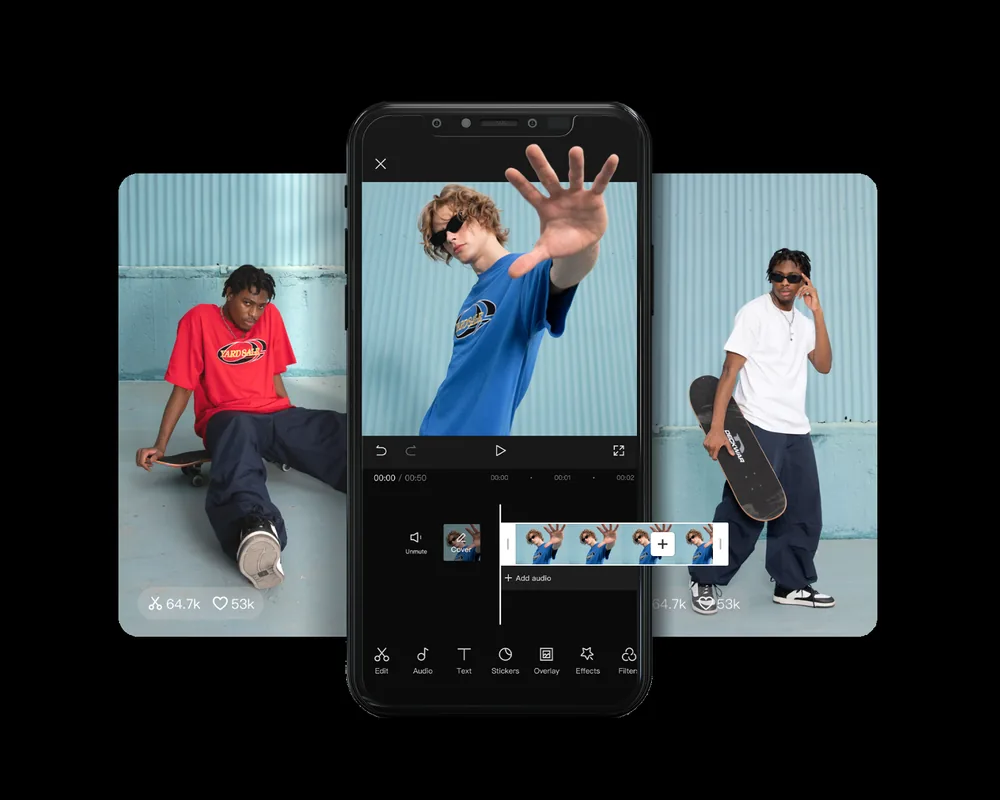
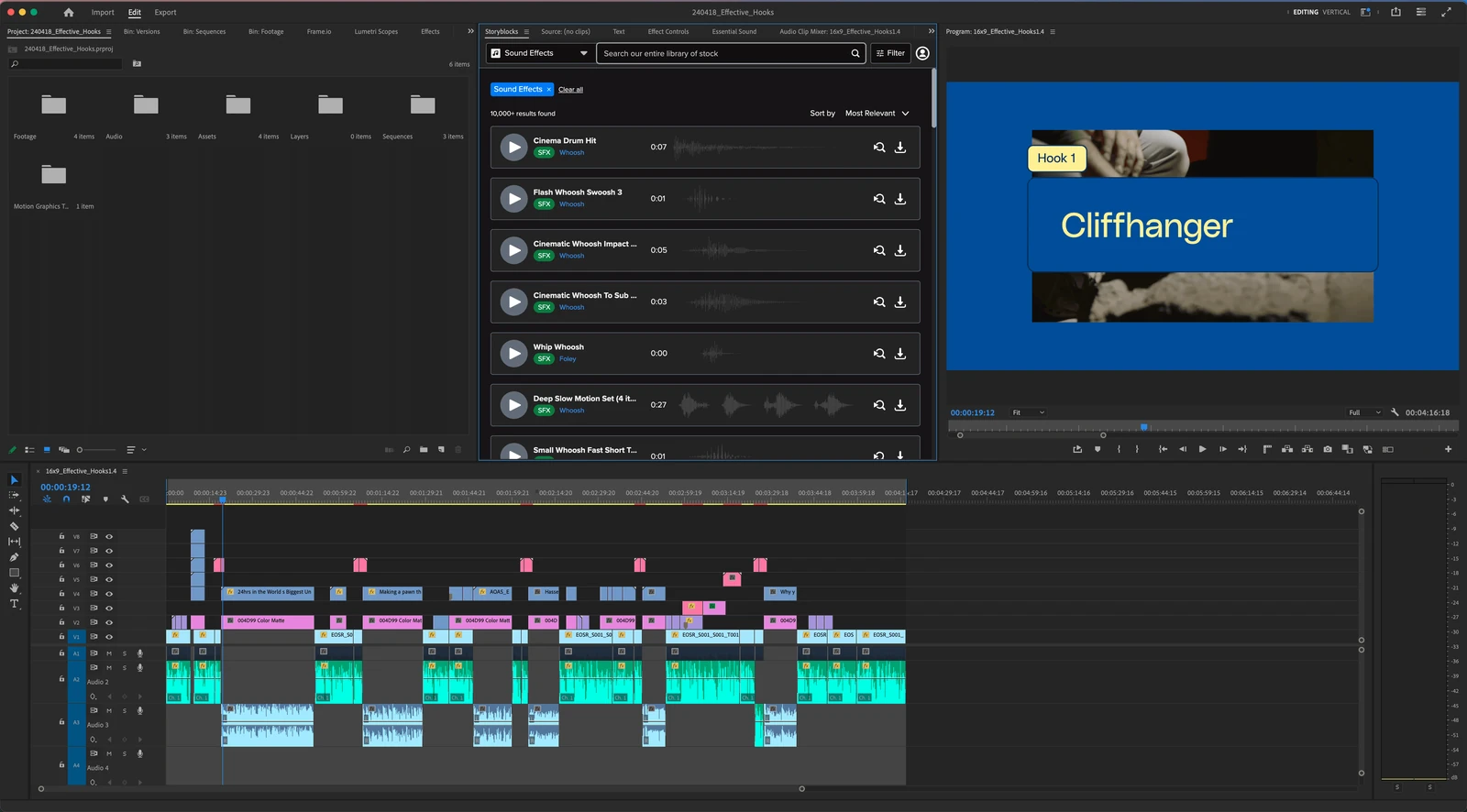
Every effect is a standard MP3 file, which imports into virtually every editor, including CapCut, Instagram Edits, Premiere Pro, DaVinci Resolve, InShot and After Effects. In CapCut, use Audio → Sound effects → Import; in Premiere Pro, drag the file straight onto an audio track.
How do I add a sound effect to an Instagram Reel?+
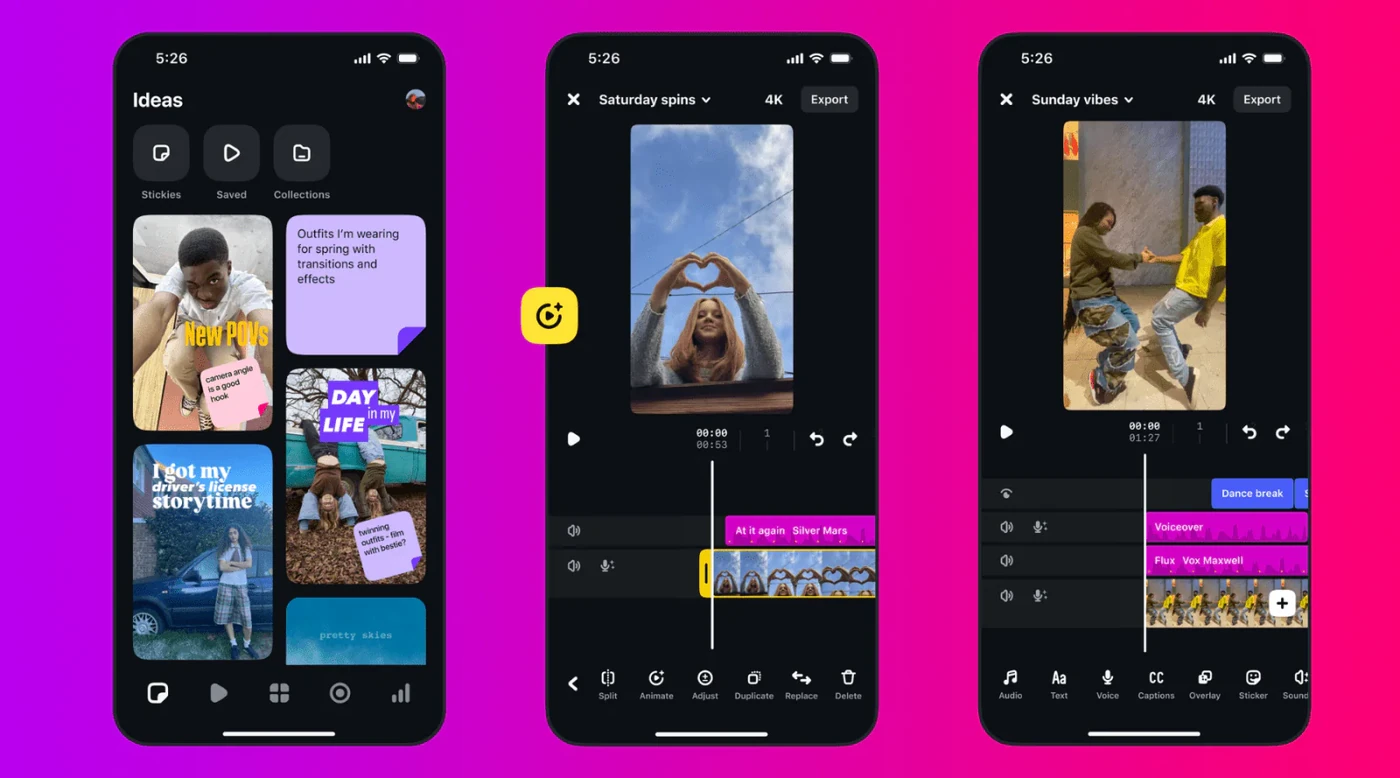
Download the effect to your phone or computer, open your reel in your editor of choice, import the MP3, then drag it under your video and line it up with the moment you want to score, whether that's a transition, a caption pop, or your hook. Export and post as normal. Our
full step-by-step guide walks through each editor.
Will these get my reel muted for copyright?+
No. Every file is a royalty-free recording made for sfxreels — meme-culture sounds are independent re-creations, never rips of original recordings — so nothing here triggers Instagram's music-rights detection or gets your reel muted. They're safe to use on any account.
Are the meme sounds and meme music the original recordings?+
No — and that's deliberate. Every meme sound and music sting on sfxreels (the Vine boom, Emotional Damage, the mission-complete sting, the retro game-over jingle, and the rest) is an independent re-creation produced from scratch for this library. They are not the original master recordings, and sfxreels is not affiliated with the original creators or rights holders. Because each file is our own royalty-free re-recording, you're allowed to use them in reels, TikToks, monetised videos and client work — and Instagram's music-rights detection has no original recording to match them against. The full policy is on our
license page.
Can I use these sound effects on TikTok and YouTube Shorts too?+
Absolutely. They're tuned for Instagram Reels, but they're standard audio files that work in any short-form video, including TikTok and YouTube Shorts. Same files, same editors, no restrictions.
What's included in the free Instagram Reels SFX pack?+
The pack includes 50 royalty-free sound effects spanning the categories reels creators use most: transitions and whooshes, meme and viral sounds, notification and UI pops, impacts and booms, and comedic effects. Every effect is a standard, copyright-free MP3 you can download individually or grab as one .zip.
Where can I download a free Instagram Reels sound effects pack?+
Right here. sfxreels offers a free Instagram Reels SFX pack. Download individual sound effects by category with no sign-up, or grab the whole pack as a single .zip.